
Last verified: November 14, 2026
Affiliate disclosure: This guide contains affiliate links. If you shop through them, we may earn a commission at no extra cost to you. It helps keep our guides free.
WAVLINK Deals at a Glance
WAVLINK makes the unglamorous gear that holds a modern desk together: docking stations that turn one laptop port into four monitors, WiFi adapters that rescue an old desktop, and outdoor extenders that push a signal out to the yard. If you are hunting for a WAVLINK discount code, a WAVLINK promo code, or a WAVLINK coupon code, this page brings together what is actually available right now, what the standout products do, and how to check for live WAVLINK deals before you buy.
There is currently no verified WAVLINK discount code to share, so instead of a code box you will find the current deal box at the top of this page. Use it to shop the brand’s Amazon range through our link and check the live price and any on page offers at checkout. The Quad HDMI docking station has been listed at $134.99, and the SM770 triple display dock has been listed from $159.99, down from $199.99, so the saving on a WAVLINK purchase comes from catching a list price cut, not from a code. We update this guide when a verified WAVLINK promo code or WAVLINK coupon code appears, so it is worth checking back before you buy.
Shop the WAVLINK range on Amazon for current deals on docking stations, display adapters and WiFi gear, including the Quad HDMI dock at $134.99. Check the live price and any on-page offers before checkout.
About WAVLINK
WAVLINK is a computer networking and connectivity brand sold through Amazon, built around one idea: a laptop with a single USB-C port should still run a full desk. The range covers docking stations, USB-C hubs, display adapters, WiFi adapters and outdoor WiFi extenders, with prices running from about $28.99 to $299.99 across the catalogue and an average brand rating around 4.1 stars. The products are manufactured by Winstars Technology Limited and sold by WAVLINK Direct on Amazon.
The brand’s best known work is in multi-monitor docking. Where most laptop docks stop at two screens, WAVLINK’s DisplayLink docks run three or four external displays from one cable, which is why they show up in home office and trading desk setups. The second pillar is WiFi: USB adapters for desktops that never had wireless, and weatherproof outdoor extenders for farms, yards, RVs and campsites. The third is the everyday hub, compact USB-C adapters that add HDMI, Ethernet and extra USB ports to a thin laptop.
WAVLINK buyers are usually people fixing a specific problem rather than browsing for fun: a MacBook that needs three monitors for work, a desktop PC in a room with no Ethernet cable, a garden office that sits just outside the router’s reach. They care about port counts, driver support and whether the dock actually works with their laptop, and the brand’s Amazon listings carry hundreds of reviews per product to judge that by.
The Standout Product: WAVLINK Quad HDMI Docking Station
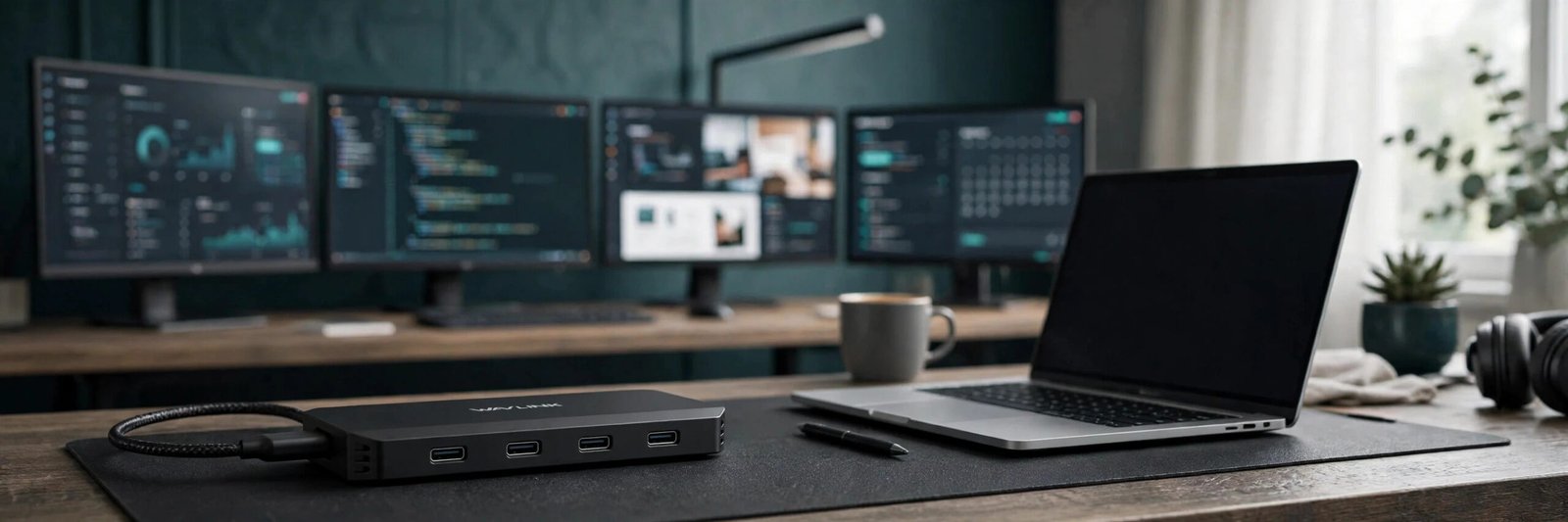
The product that stands out in the current WAVLINK range is the USB 3.0 or USB-C to Quad HDMI Splitter, the dock that turns one laptop into a four monitor workstation. It gives four HDMI outputs at 4K and 60Hz each, with 85W power delivery to charge the laptop through the same cable, and it works with Macs from the M1 through the M5 chips as well as Windows 10 and 11 laptops. It is listed at $134.99 at the time of writing, with a 4.4 out of 5 star rating from 644 reviews, a number 24 Best Seller rank, and more than 100 bought in the past month.
First, the screens. Four separate 4K displays from a single USB connection is the whole point of this dock, and it uses DisplayLink technology to do it, which means it works on Macs that otherwise cap out at one or two external monitors. That is the feature that justifies the price against a cheap hub, and it is why the dock shows up in multi-monitor office setups rather than in travel bags.
Second, the charging. The 85W power delivery means the dock charges most thin and light laptops while it drives the screens, so one cable on the desk does the work of a charger, a hub and a video adapter together. Check your laptop’s power draw before buying, because a heavy workstation laptop may still want its own charger alongside the dock.
Third, the driver. This is a DisplayLink dock, so it needs a driver installed before the screens light up, on Mac and on Windows. That is normal for this class of dock, but it is the step buyers miss most often. Install the DisplayLink driver from the maker’s site, restart, then connect the dock. The dock is also not the pick for gaming or for HDCP protected 4K streaming, which the listing itself warns about, so buy it for work, not for play.
The Step Up: WAVLINK SM770 Triple Display Dock
If four screens is more than you need, the SM770 is the step down that still feels premium. It is a triple display docking station with three HDMI outputs at 4K and 60Hz, two DisplayPort outputs, 2.5 gigabit Ethernet, 10 gigabit USB ports and 100W laptop charging from a 120W adapter, and it has been listed from $159.99, down from a $199.99 list price, at the time of writing.
The SM770 suits a desk that wants fast wired networking as well as screens. The 2.5 gigabit Ethernet port is the difference against the Quad HDMI dock, which has no Ethernet at all, so if your work depends on a stable wired connection, the SM770 is the better pick even though it drives one fewer screen. It is compatible with Intel laptops and MacBooks from the M1 through the M4 chips, and it is the dock to choose when the desk already has its monitors and needs the hub to keep up with them.
Below the SM770 sits the brand’s DisplayLink triple monitor dock, model WL-UG63PD25, with a 4K plus two 2K display combination, 100W charging, six USB ports at 10 gigabits per second, gigabit Ethernet and a two year warranty. It is the budget route into a three screen setup, and the listing price sits well below the SM770, so compare the two on port count before deciding.
WiFi Gear: Adapters and Outdoor Extenders
WAVLINK’s second range is WiFi, and it splits into two very different jobs. The first is the USB WiFi adapter for a desktop that has no wireless card. The AX1800 adapter is a WiFi 6 dongle with four external antennas, beamforming, MU-MIMO and OFDMA, on a magnetic base with a 3.28 foot cable so the antennas can sit somewhere with a clear line of sight instead of hiding behind the tower. It holds a 4.3 star average across more than 340 ratings, and setup is through a built in driver on Windows. Two limits matter: it does not support Macs running anything newer than macOS 10.15 Catalina, and there is no Linux support, so Windows desktop buyers are the audience.
The second job is outdoor coverage. The AX3000 outdoor WiFi 6 extender is a weatherproof access point with an IP67 rating, active PoE, four 8dBi antennas and support for up to 256 devices, built for farms, yards, RVs and campsites and listed as compatible with Starlink setups. The AX1800 outdoor extender is the smaller sibling with the same IP67 weatherproofing and four 8dBi antennas. If the problem is a dead zone in the garden or a barn that never gets signal, these are the products to look at, and they are the reason WAVLINK shows up in rural and RV buying guides.
How to Choose the Right WAVLINK Dock
Choosing a WAVLINK dock starts with counting screens, not with the price tag. Get these five points right and the dock will actually work on your desk.
Count the monitors first. One or two screens is a hub job, and a compact WAVLINK USB-C hub or a dual HDMI adapter will do it for far less money. Three screens points to the SM770 or the WL-UG63PD25 triple dock. Four screens is the Quad HDMI dock’s job alone, and nothing cheaper in the range does it.
Check the laptop’s USB-C port. The dock needs a full function USB-C port that supports video output, and for the DisplayLink models you also need to install the driver. A laptop with a data only USB-C port will not drive any external screen through these docks, so confirm the port spec in the laptop manual before ordering.
Match the charging. The Quad HDMI dock delivers 85W, the SM770 delivers 100W, and the triple dock delivers 100W. Most thin laptops charge happily on 85W, but a 16 inch workstation may charge slowly or not at all, so check the wattage your laptop’s own charger supplies and match or beat it.
Decide on Ethernet. If the desk has a wired connection available, a dock with Ethernet is worth paying for, because it removes WiFi dropouts from video calls. The SM770 has 2.5 gigabit Ethernet and the triple dock has gigabit Ethernet, while the Quad HDMI dock has none, so the screen count is not the only difference between them.
Read the reviews for your exact laptop. The Quad HDMI dock carries 644 reviews and the AX1800 adapter carries more than 340, and the useful ones name the laptop model. A dock that works perfectly on a Dell may need a driver tweak on a MacBook, so search the reviews for your machine before you buy.
How to Get the Best Value on WAVLINK
There is no verified WAVLINK discount code at the time of writing, and we will not invent one. Here is how to still get the best value on WAVLINK offers and WAVLINK deals:
First, use the deal box at the top of this page to shop the range. It takes you to the brand’s current Amazon listings, where live prices and any on page promotions are shown.
Second, buy the dock that matches the screen count, not the biggest one. The 4-monitor USB-C docking station has been listed from $59.99, down from $79.99, which is the cheapest route into a multi-screen desk, and the 13-in-1 USB-C hub covers two HDMI outputs, a DisplayPort, Ethernet and card readers in one travel friendly unit.
Third, watch the list price cuts. The SM770 has been listed from $159.99 against a $199.99 list price, a 20 percent cut, and the 4-monitor dock has been listed 25 percent down, so the saving is in the sale price rather than a code. Check the live price at checkout, because these cuts move with seasonal events.
Fourth, check the live price and any on page offer at checkout. Amazon list prices for these docks move with seasonal events, so confirm the final price before paying.
Finally, read the reviews for the specific dock you want, not just the brand overall. The Quad HDMI dock carries a 4.4 star rating from 644 reviews, and the AX1800 adapter carries a 4.3 star rating from more than 340 ratings. The reviews for your exact product matter more than a general brand impression.
Is WAVLINK Worth Buying?
For anyone building a multi-monitor desk on a budget, WAVLINK is worth a look. The Quad HDMI dock is the clearest proof point: four 4K screens at 60Hz, 85W charging, Mac M1 to M5 support, and a price of $134.99 that undercuts the big name docks with the same screen count.
WAVLINK will not suit shoppers who want a Thunderbolt certified dock, a gaming dock, or a plug and play device with no driver to install. The DisplayLink models need a driver, they are not recommended for gaming or HDCP protected 4K streaming, and the WiFi adapters have hard limits on Mac and Linux support. But for office work, coding, trading and study desks, the brand offers a practical balance of screen count, port selection and price.
WAVLINK Shopping Tips
Start with the screen count. One or two screens is a hub job, three screens is the SM770 or the triple dock, and four screens is the Quad HDMI dock alone.
Install the DisplayLink driver first. The multi-monitor docks need it before the screens light up, so install it, restart, then connect the dock.
Check the USB-C port. The laptop port must support video output, or no dock in this range will drive an external screen.
Match the charging wattage. The Quad HDMI dock delivers 85W and the SM770 delivers 100W, so check what your laptop’s own charger supplies.
Check the live price and any on page offer at checkout. List prices change often, so confirm the final price before paying.
Frequently Asked Questions
Does WAVLINK have a discount code?
At the time of writing, there is no verified WAVLINK coupon code available through our partner program. The deal box at the top of this page is the current way to shop the brand’s range, and we update this guide when a verified WAVLINK discount code or WAVLINK promo code appears. Avoid codes from random coupon sites, as unverified codes often fail at checkout.
How much does the WAVLINK Quad HDMI dock cost?
The WAVLINK USB 3.0 or USB-C to Quad HDMI Splitter has been listed at $134.99, with a 4.4 star rating from 644 reviews. It drives four HDMI displays at 4K and 60Hz each, with 85W power delivery, and works with Mac M1 to M5 chips and Windows 10 and 11 laptops. Prices change, so check the live price at checkout.
Does the WAVLINK Quad HDMI dock work with Mac?
Yes, it works with Macs from the M1 through the M5 chips, as well as Windows 10 and 11 laptops. It uses DisplayLink technology, so you need to install the DisplayLink driver before the screens light up, on Mac and on Windows.
Does WAVLINK make WiFi extenders?
Yes. The AX3000 outdoor WiFi 6 extender is a weatherproof IP67 access point with four 8dBi antennas, active PoE and support for up to 256 devices, built for farms, yards, RVs and campsites. The AX1800 outdoor extender is the smaller sibling with the same weatherproofing, and the AX1800 USB adapter adds WiFi 6 to a Windows desktop.
Where can I buy WAVLINK products?
WAVLINK products are sold through Amazon in the United States. Use the deal box and shop buttons on this page to reach the brand’s current Amazon listings, where live prices and availability are shown.
Final Verdict
WAVLINK is a practical connectivity brand with a strong pick in the Quad HDMI dock, and a sensible step down in the SM770 for desks that want fast Ethernet with their three screens. With no verified code available right now, the smart move is to shop through the deal box above, count the screens before you buy, install the DisplayLink driver first, and check the live price and any on page offer at checkout. We will keep this guide updated as new WAVLINK offers and WAVLINK promo codes are verified.
Last verified: 14 November 2026. Prices and offers on Amazon change daily, so check the live price and buy the same day.